.png)
Use the AI card assistant
Ask for a text change. Review the before/after, then Apply.
WhereAI Assistant
AI Assistant
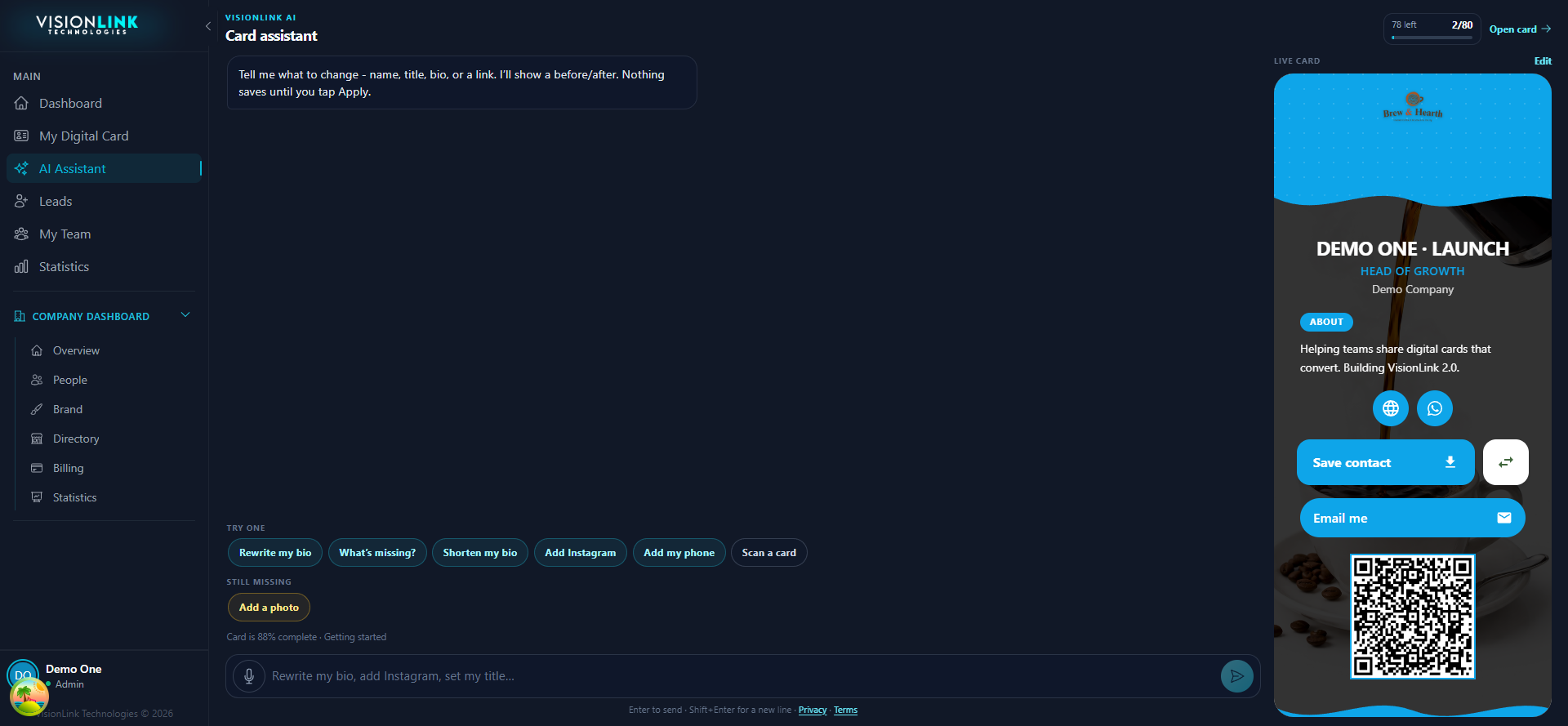
Open AI Assistant.
Accept the consent screen the first time.
Type the change, or use a starter chip.
Read the proposed look on the right. Tap Apply to save.