.png)
Set up a basic card
Get a usable public card in one sitting: photo, name, bio, a few links, then share.
Before you start
A card is worth sharing once three things are true: someone can see your face, read what you do, and reach you in one tap. Everything else on this page is optional polish.
Have these ready
- A square headshot, well lit, under 5MB
- The job title you want strangers to read
- Your work phone number and email
- One profile link that matters most, usually LinkedIn or your site
1. Open the card editor
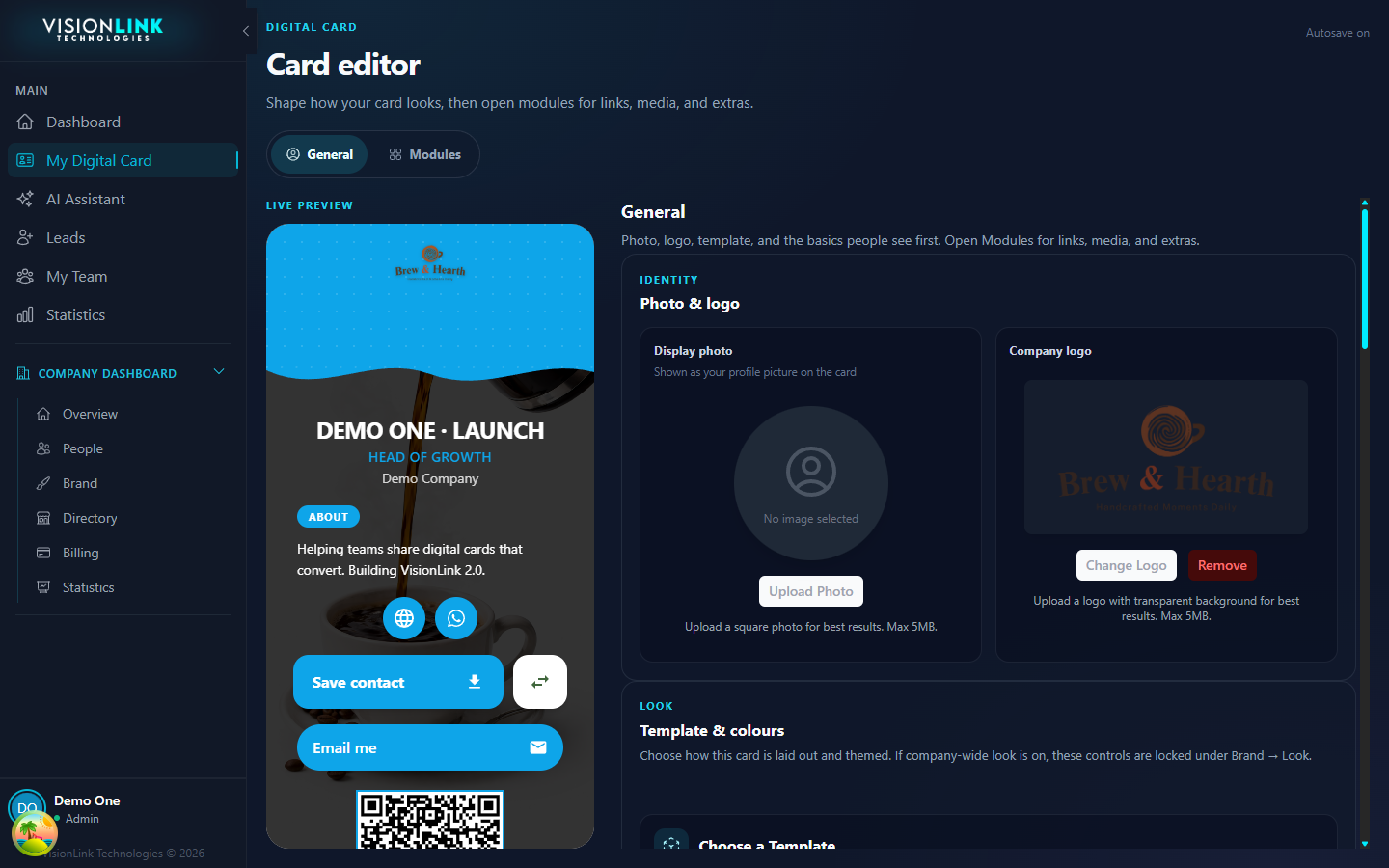
Click My Digital Card in the left sidebar. The editor opens on General, with the live preview pinned beside it. General holds your identity and look. Modules holds links, media, and extras.
2. Add your photo
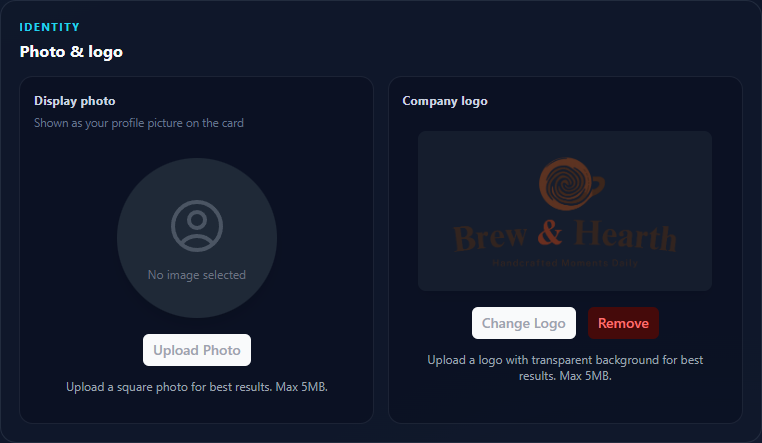
Under Photo & logo, click Upload Photo and pick your headshot. Crop it so your face fills the circle, then save the crop. The preview updates when the upload finishes.
3. Name, title, and bio
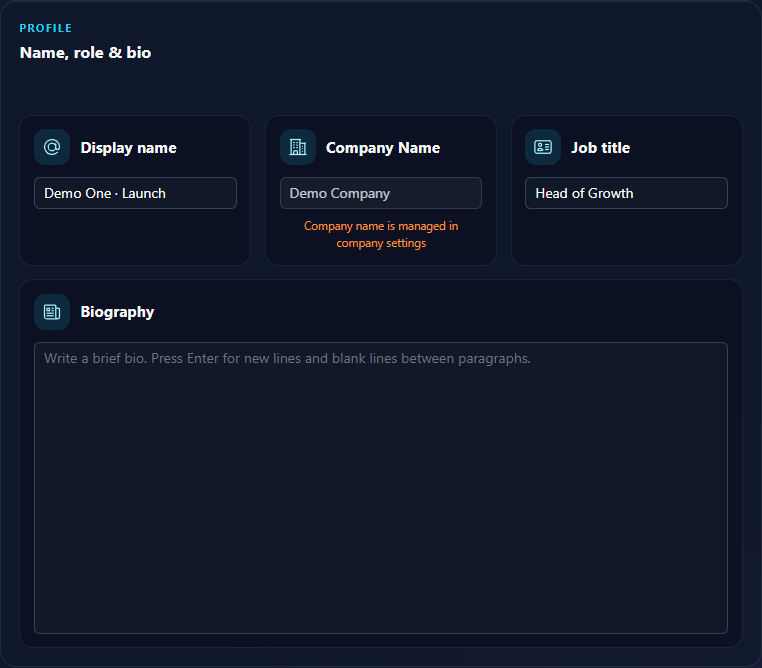
Scroll to Name, role & bio. Display name is what visitors read, not your login email. Job title should be the words someone would use to describe you to a colleague. Company name is locked here and comes from company settings.
- Display name
- The name you introduce yourself with. No titles or credentials.
- Job title
- Head of Growth, not GRW-2. Write what an outsider would search for.
- Bio
- Two or three sentences. What you do, who you help, what happens next.
What to write
4. Add your links
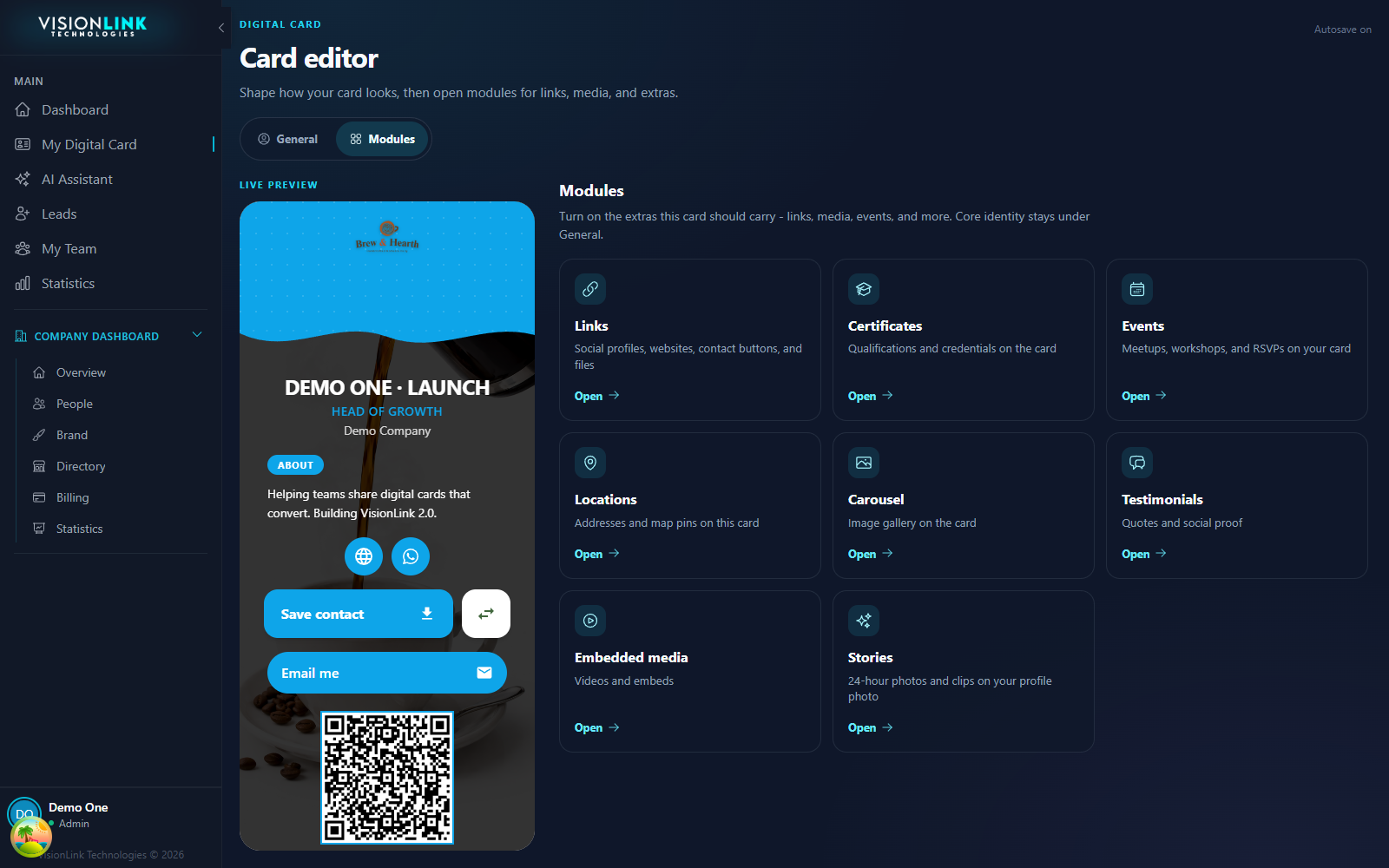
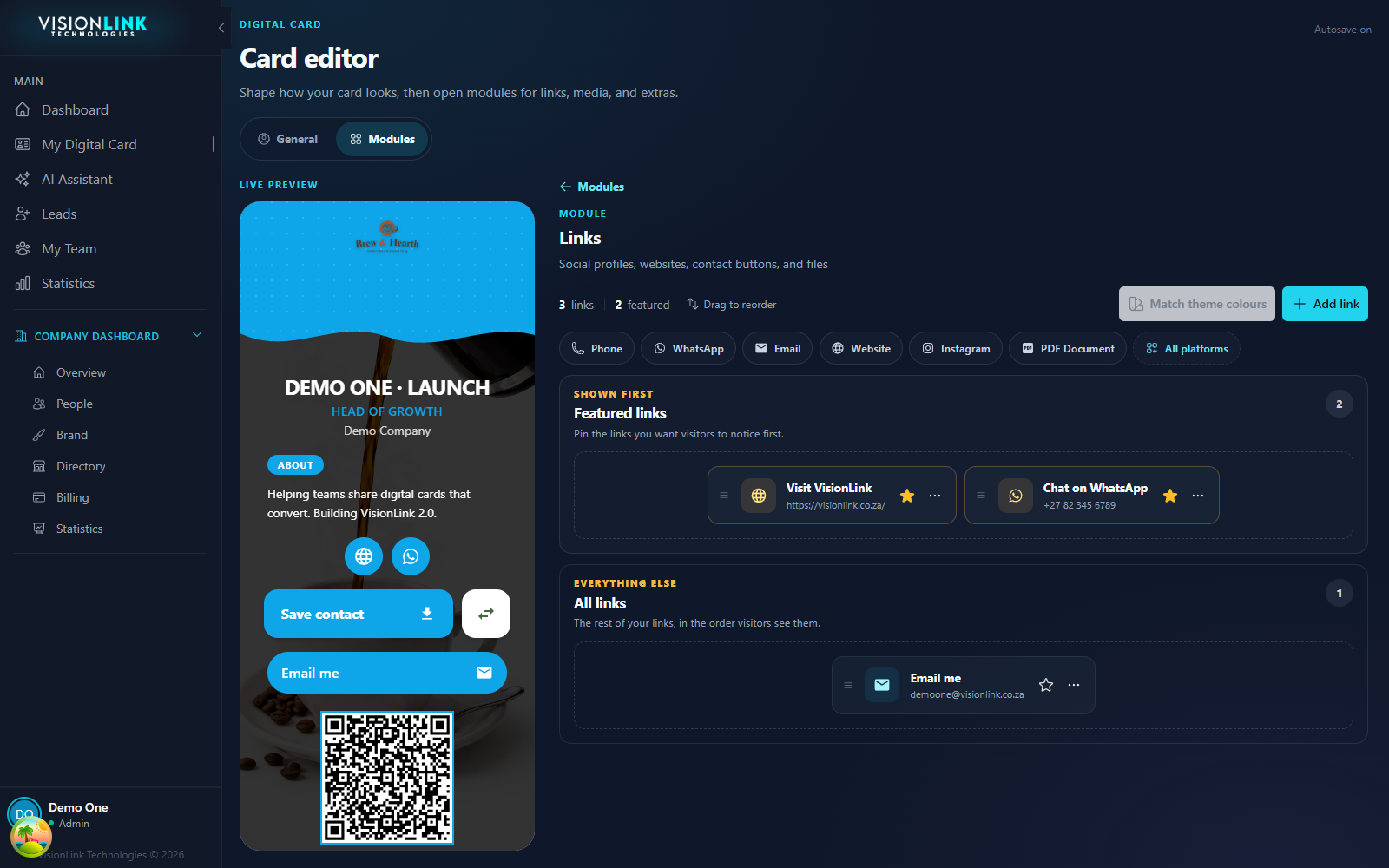
Switch to the Modules tab and open Links. Modules is where every optional block lives, from links through carousels and events.
Pick a platform
Phone, WhatsApp, Email, Website, Instagram, and PDF are one click. Use All platforms for anything else.
Paste the destination
Full URL for a site, the number for a phone or WhatsApp link. The label is what visitors read on the button.
Star one or two
Starred links move into Featured links and sit above everything else on the card.
5. Share it
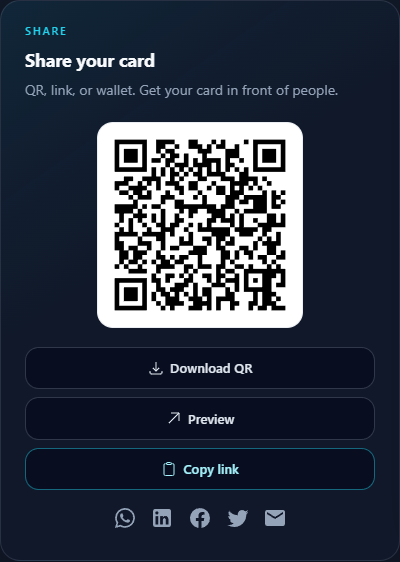
Go back to Dashboard. Share your card holds everything you need to get in front of people: a QR to print, your vlcard.me short link to paste, and social share buttons that tag where the traffic came from.
Preview first
Open Preview and read your own card as a stranger. Fix anything that reads like a placeholder.
Copy the short link
Copy link pastes https://vlcard.me/your-slug. On Pro, change that path under My Digital Card → General → Short link.
Download the QR
Print it on a physical card, a stand, or the last slide of your deck.
What to do next
Once the basics are live, pick the one thing that matches how you actually meet people. A gallery if your work is visual, locations if people visit you, events if you run them.
Common next steps
- Set a template and colours so the card looks like you
- Pick a vlcard.me short path you can say out loud
- Add a carousel if your work is worth looking at
- Turn on Apple Wallet so the card lives on your phone
- Invite the rest of your team from Company Dashboard