.png)
Add a link
Add phone, email, website, social, or a file as a button on the card.
WhereMy Digital Card → Modules → Links
My Digital Card → Modules → Links
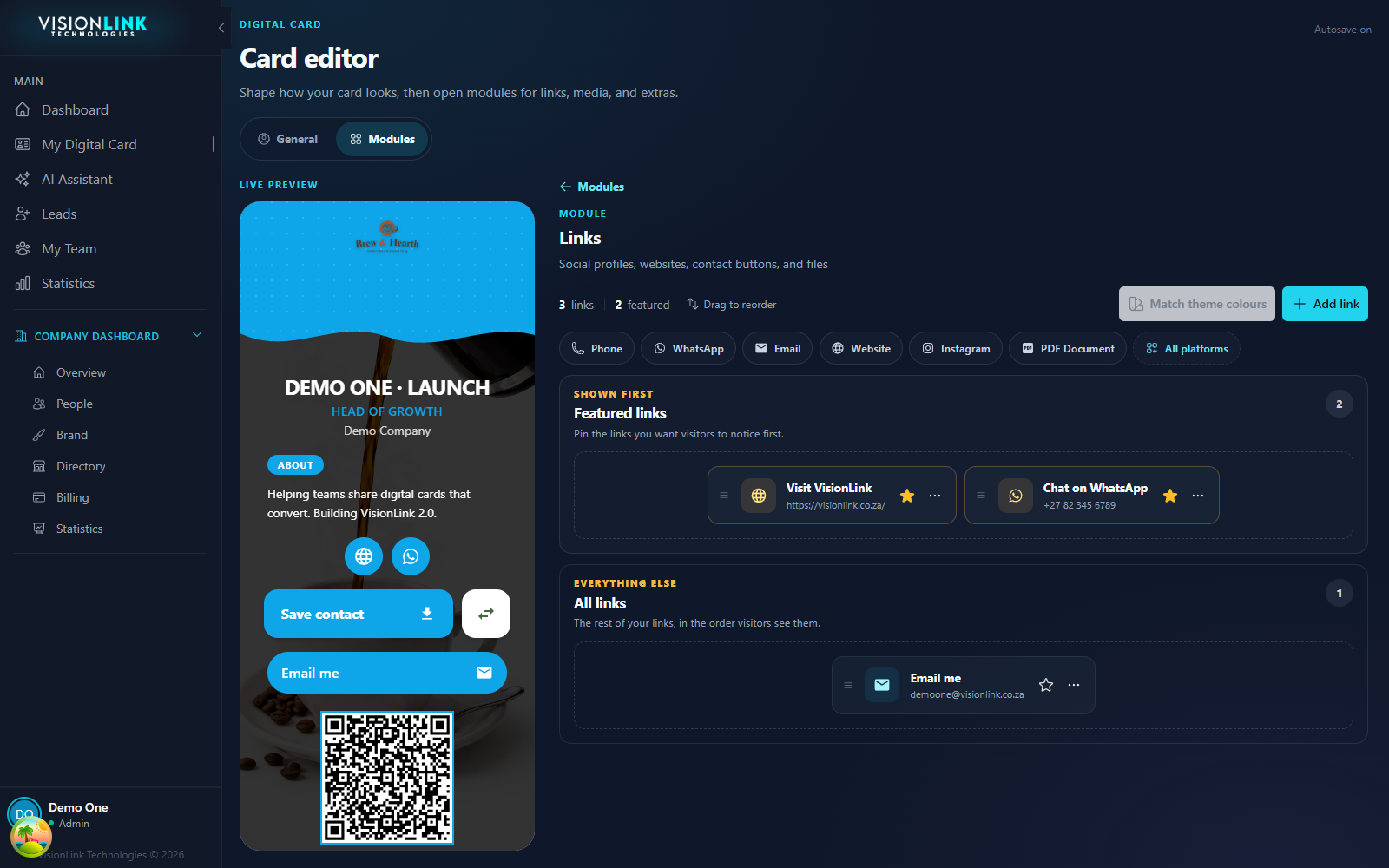
Open My Digital Card, then Modules, then Links.
Choose a platform and enter the destination.
Save. The new button appears on the preview.