.png)
Choose a template
Pick a layout. Industry and Occasion unlock on Basic. Custom — per-field styles — unlocks on Pro.
WhereMy Digital Card → General → Look
My Digital Card → General → Template & colours
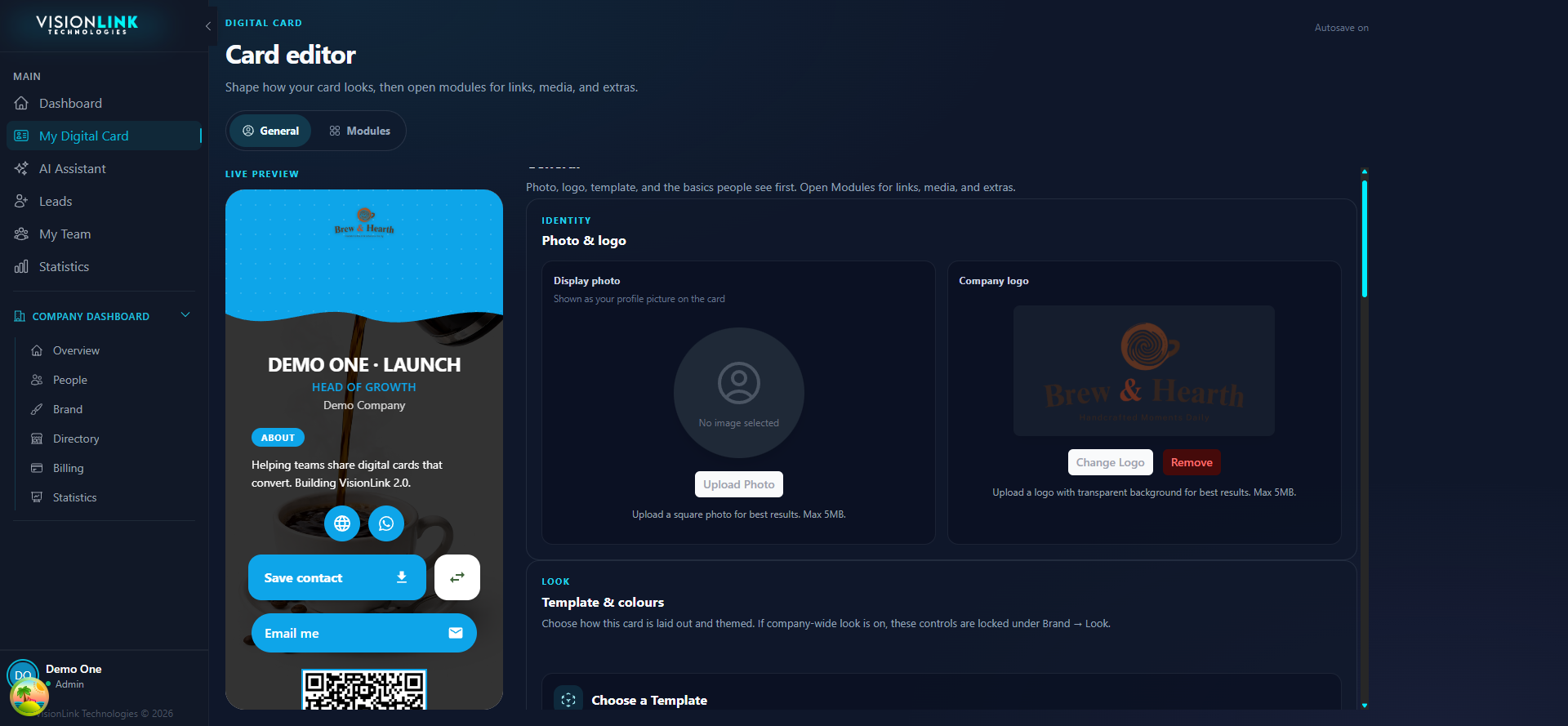
Open My Digital Card, then General.
Open the template picker.
Select a layout and check the live preview.