.png)
Open the card editor
My Digital Card is where you change identity, look, and modules.
WhereMy Digital Card
My Digital Card → General
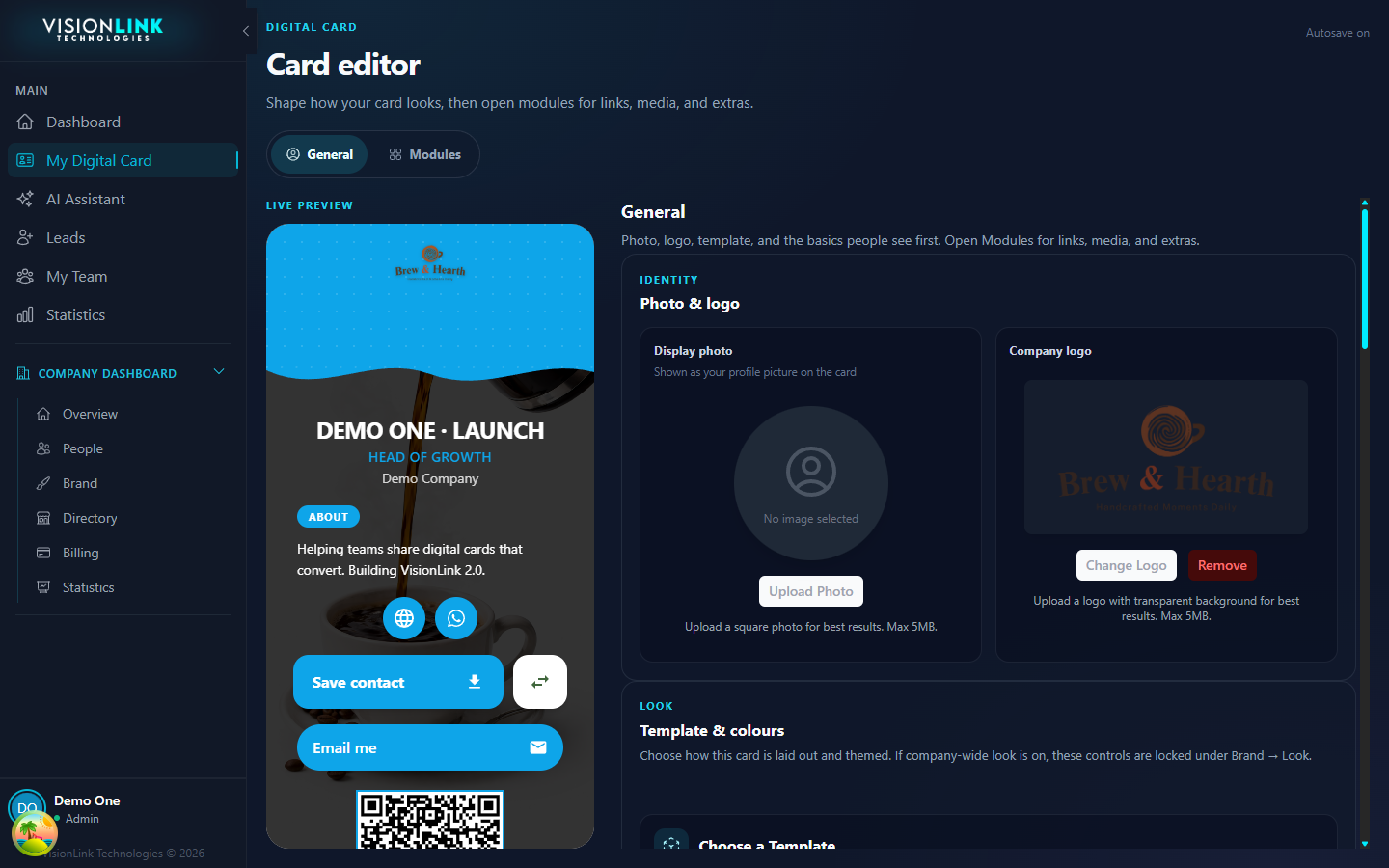
Click My Digital Card in the sidebar.
Use General for photo, name, bio, template, colours, and your vlcard.me short link.
Use Modules for Links and extras.
Watch the live preview. Fields save as you leave them. Short link needs Save.