.png)
Change your password while signed in
Update the password from Account Settings when you can still log in.
WhereAccount Settings → Password
Account Settings → Security
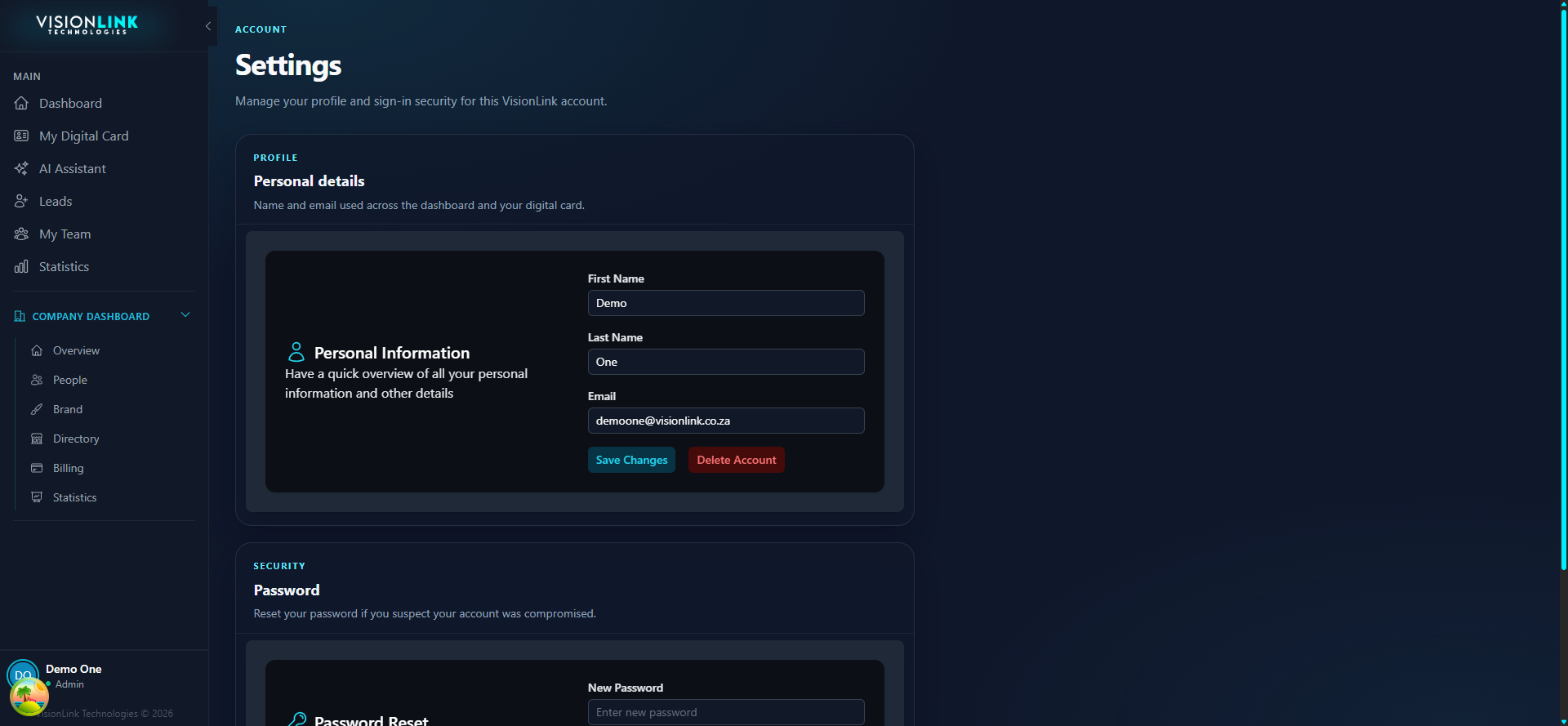
Open Account Settings at the bottom of the sidebar.
Open the password section.
Set a new password and save.