.png)
Invite a teammate
Send an email invite. It uses one seat on the plan.
WhereCompany Dashboard → People
Company Dashboard → People → Invite
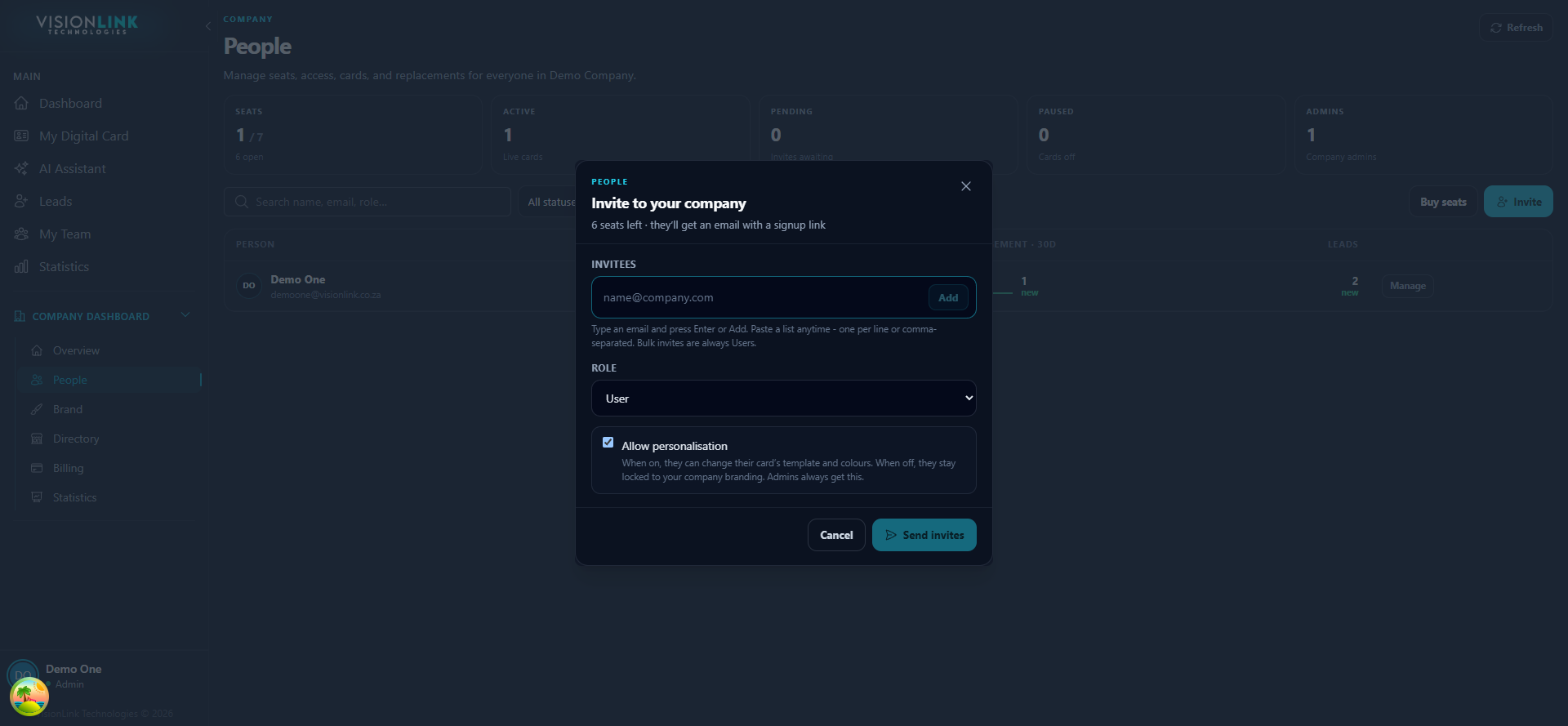
Open Company Dashboard, then People.
Start an invite and enter their email.
Choose a role, and decide whether they may change their own template and colours.
Send. They create an account from the email and get their own card.