.png)
Copy your card link
Share the short vlcard.me link people open when they tap your QR or a shared link.
WhereDashboard → Share your card → Card editor → General
Dashboard → Share your card
Open Dashboard.
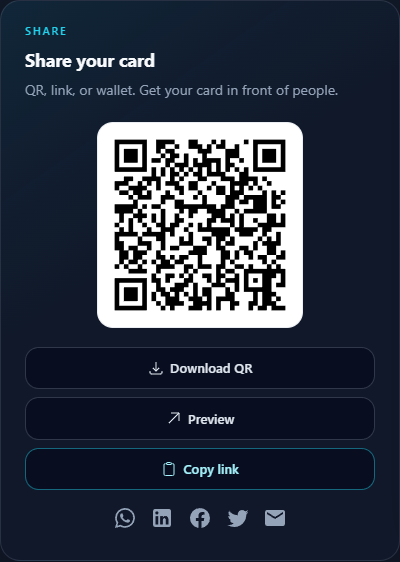
In Share your card, click Copy link. That copies https://vlcard.me/your-slug.
To pick your own path (Pro), open the card editor → General → Short link.
Paste it in a message, email signature, or social bio.