.png)
Open the home page
Home is the first screen after login: your card, share tools, and shortcuts.
WhereDashboard
Dashboard
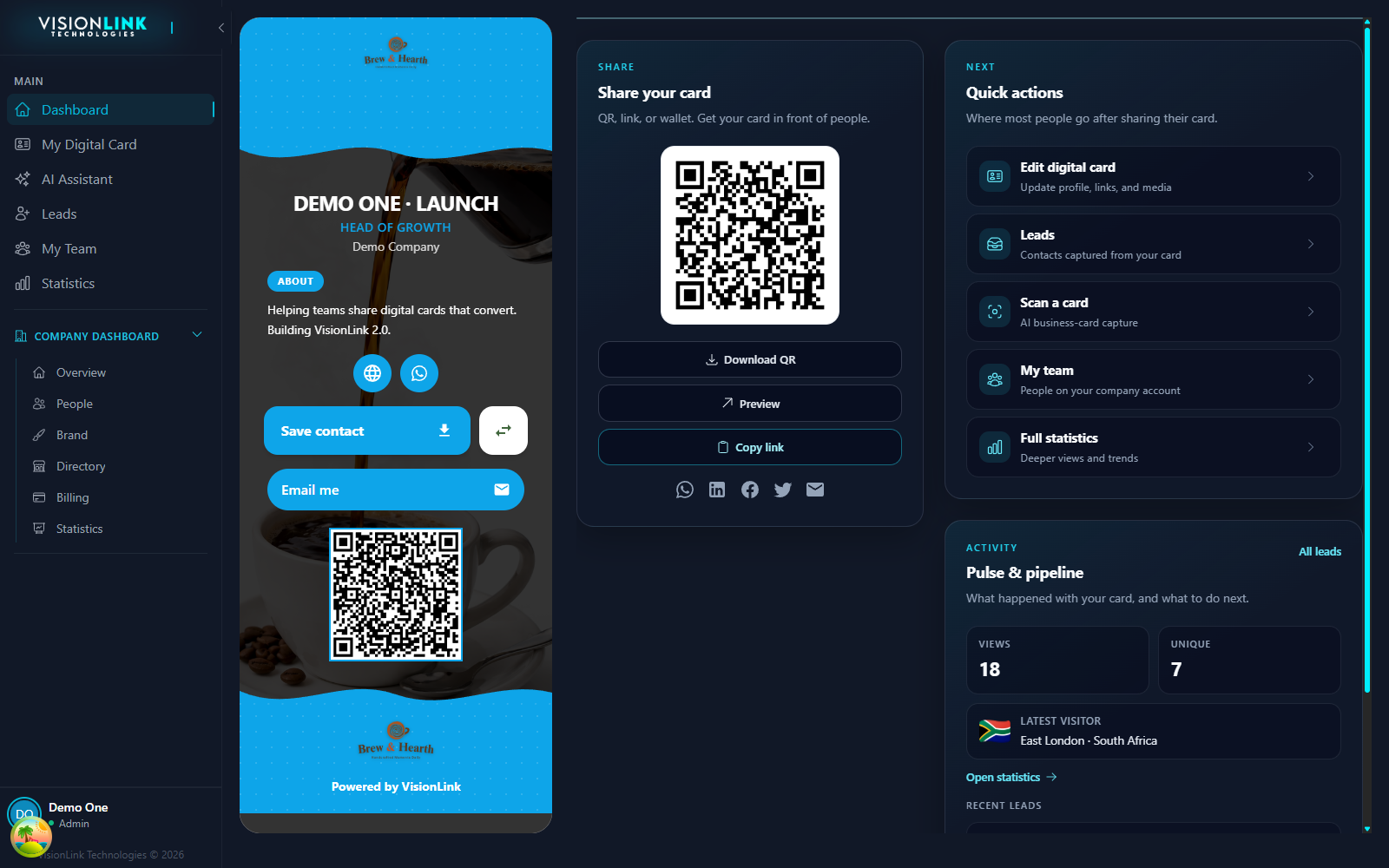
Click Dashboard at the top of the left sidebar.
Confirm your live card is on the left and Share your card is beside it.
Use Quick actions to jump to the editor, leads, scan, team, or statistics.