.png)
Reset your password when locked out
Use Forgot password on the login page. You do not need to be signed in.
WhereLogin → Forgot password
Login → Forgot password
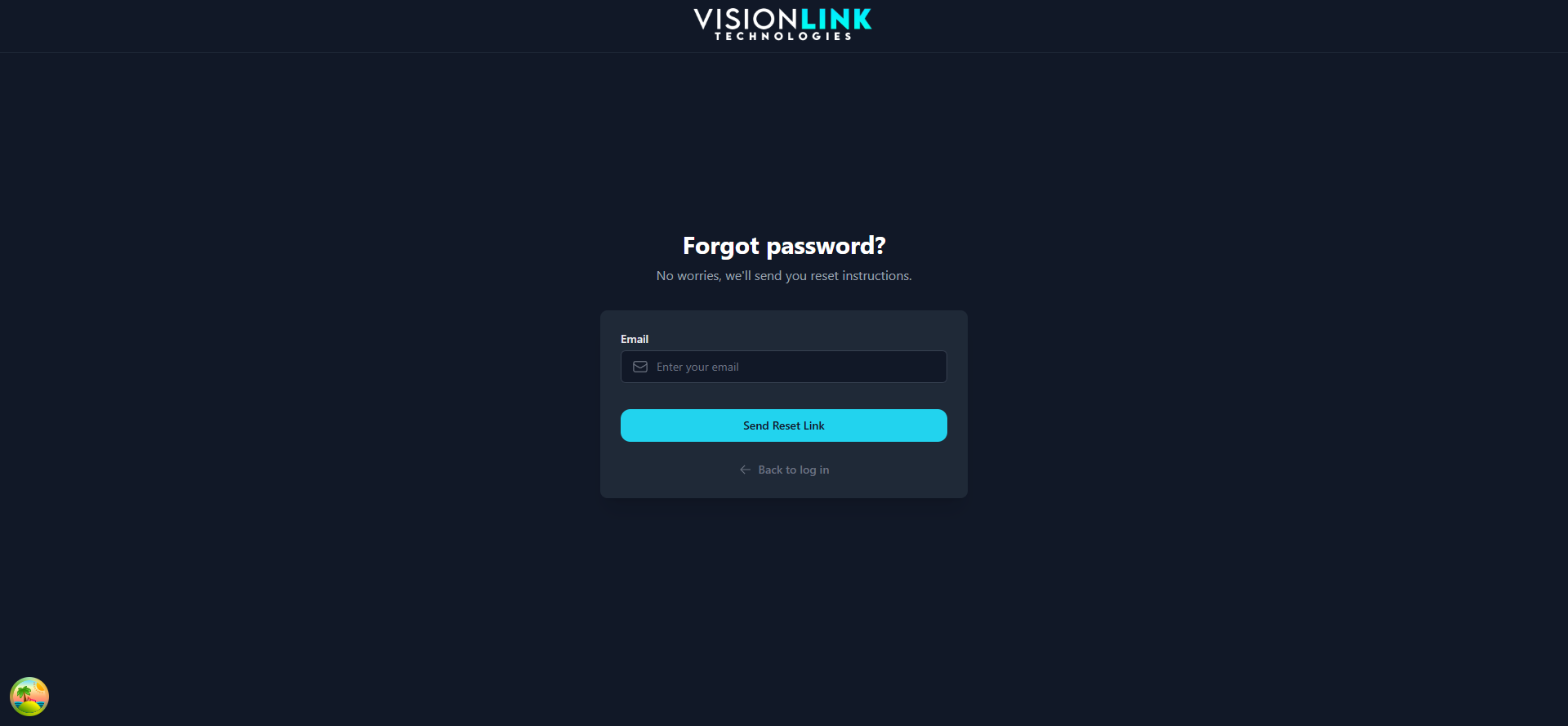
Open the login page.
Click Forgot password.
Enter the email on the account and send the link.
Open the email and set a new password.