.png)
Publish the company directory page
Fill the public company listing, preview it, then publish.
WhereCompany Dashboard → Directory
Company Dashboard → Directory
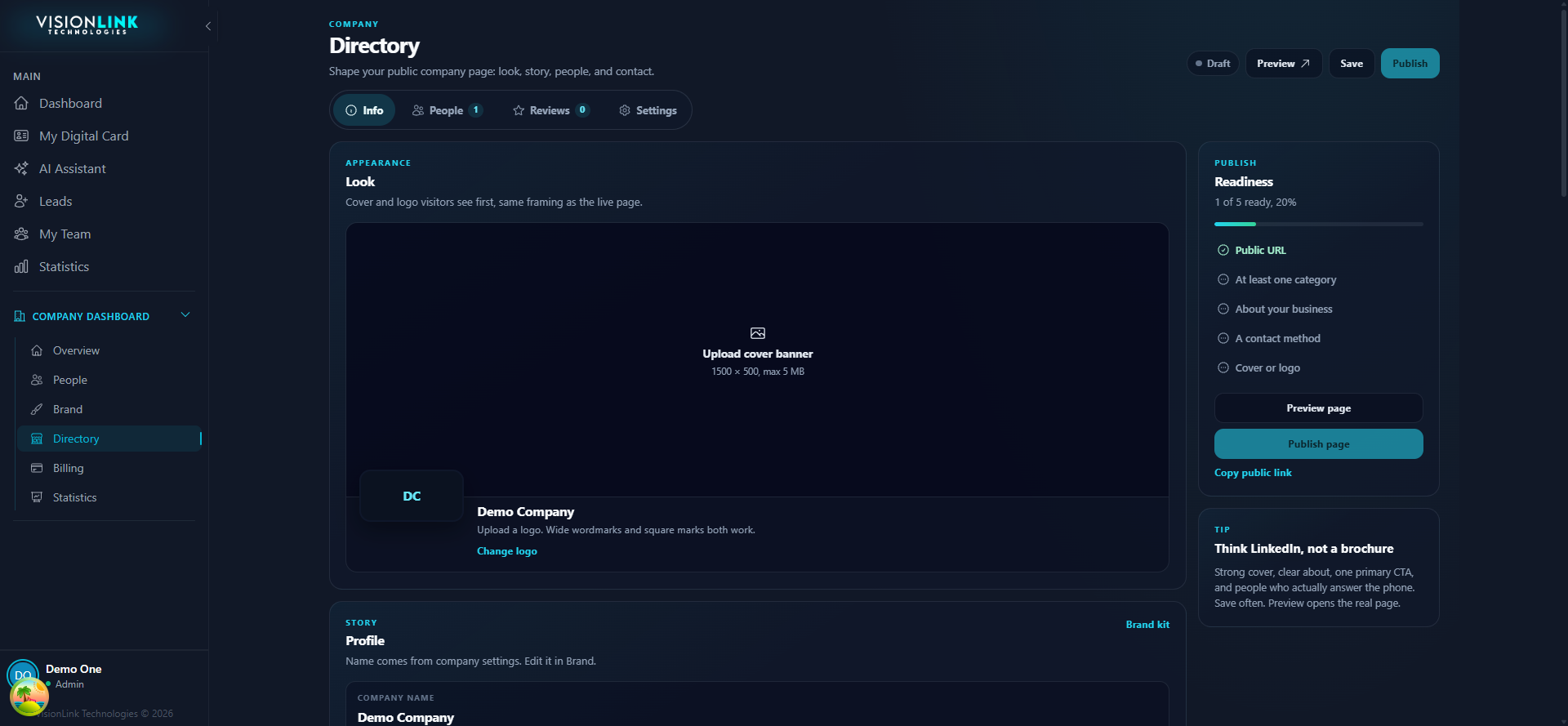
Open Company Dashboard, then Directory.
Work the readiness checklist on the right until it reads five of five.
Set name, slug, summary, and contact details.
Add offerings and choose which people appear.
Preview, then publish.